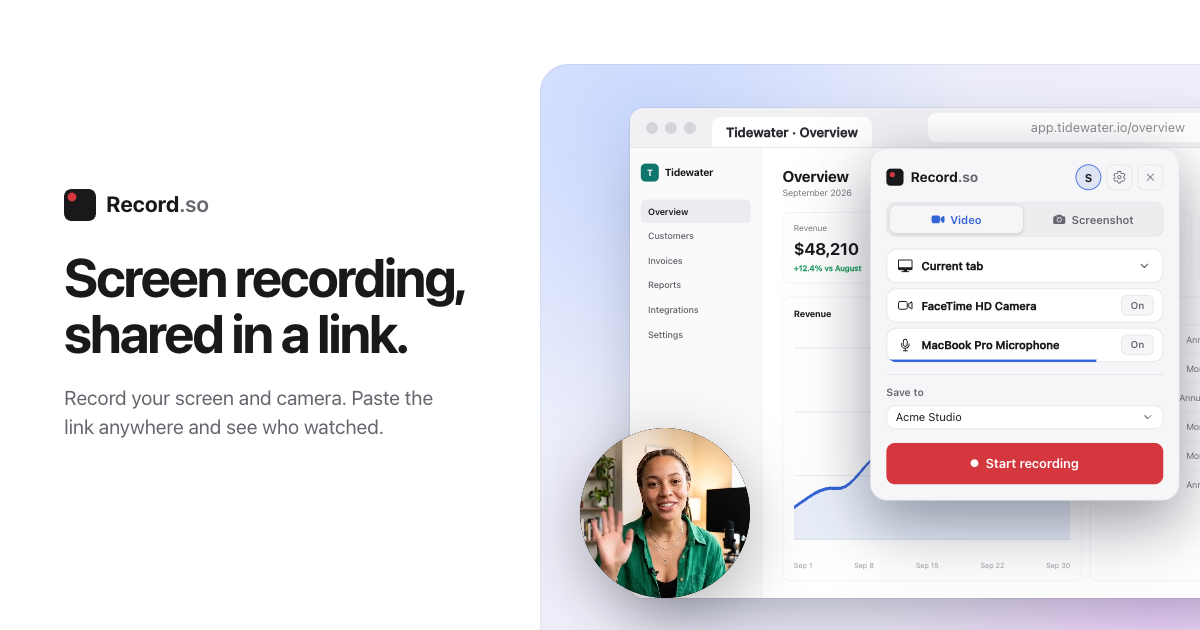
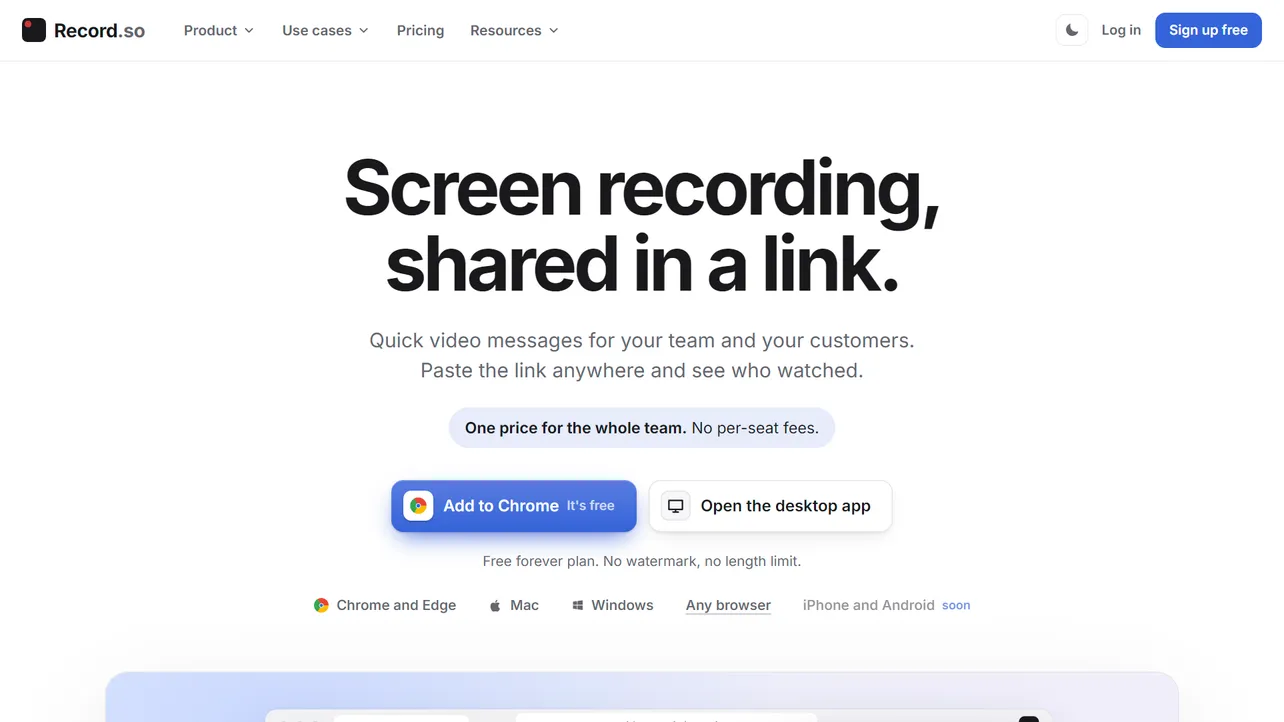
If you have ever used Loom to send a quick bug report or client walkthrough, you know the pain of their free plan. You are right in the middle of explaining something important, and suddenly a countdown timer cuts you off at the 5-minute mark unless you cough up a monthly per-user subscription. Record.so is a clean, modern alternative built to fix that exact frustration. It lets you capture your screen, webcam and audio, and share an instant link - with no length limits and no watermarks, even on the free tier.
How It Works
You can record directly in your browser, grab the Chrome extension, or use the Mac and Windows desktop apps:
- Pick your sources: Choose your screen, a specific browser tab, your webcam, or a mix of both. You also get a floating control bar (invisible in the final video) that lets you draw on the screen, use a teleprompter, or drop "blur boxes" over sensitive emails and API keys before you hit record.
- Record a video: Hit record and the end result gets uploaded to the website, where you can copy the link to share it. You can also choose "This device only" if you just want to save a local file and never touch the cloud.
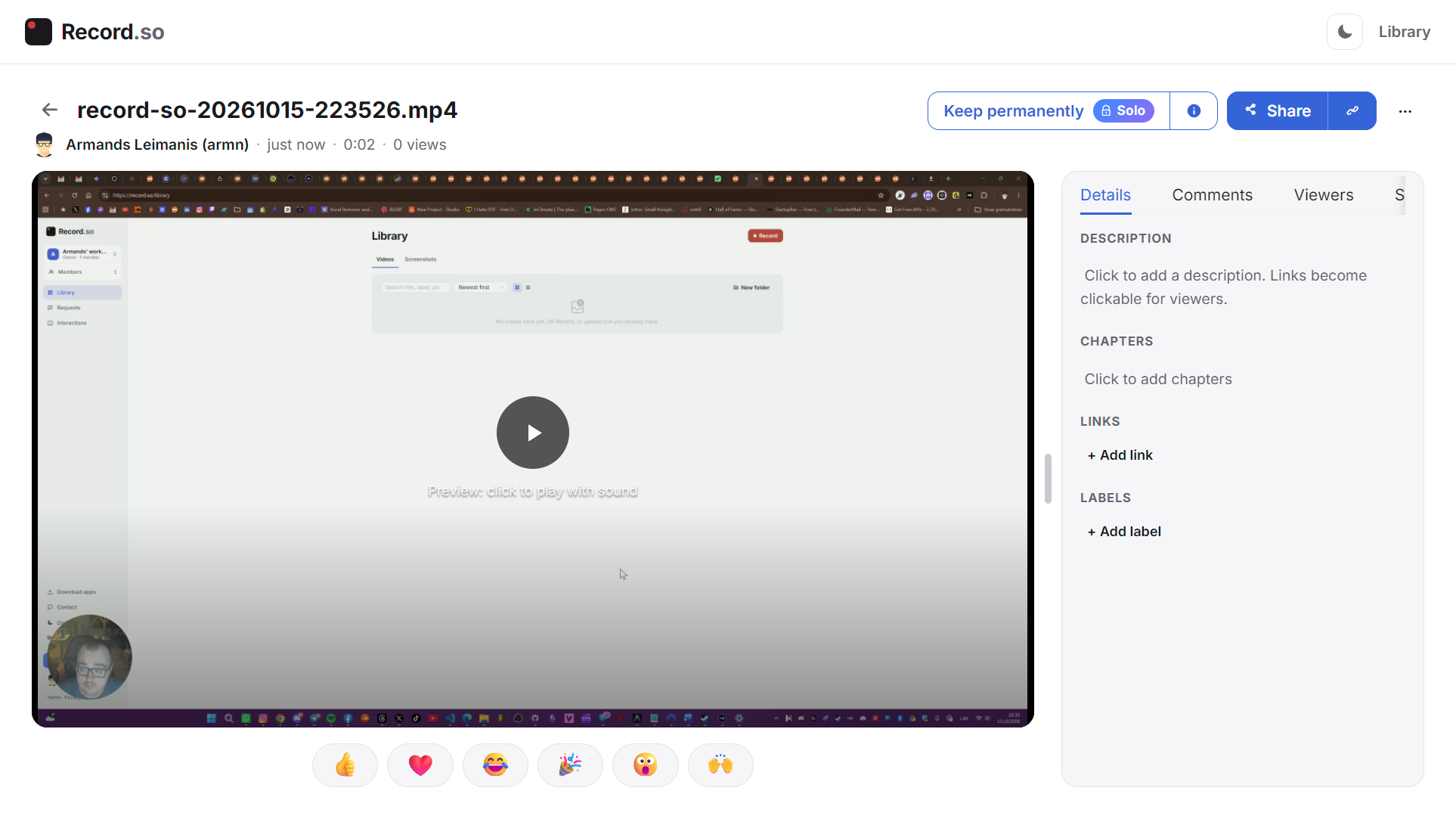
- Track and interact: Send a link to your video to receive comments and feedback. Here is a link to a test video that I recorded while editing this article.
Why It's Great
- A genuinely generous Free plan: For solo users, it is $0 forever with unlimited recordings, unlimited recording length, 1080p quality, and zero watermarks. There is 5GB upload cap for the cloud though.
- Built-in privacy blur: Having a native tool to mask out private data directly on the screen before capturing saves you from having to edit and blur videos in post-production.
- Flat team pricing (No "per-seat" tax): Most tools charge $12 to $15 per person every month. Record.so charges one flat price for the whole team: the Team plan is $16/month when billed yearly and covers unlimited members and workspaces.
The Catch
- 60-day storage on the Free tier: While you get unlimited recording time for free, hosted videos on the Free plan are only kept active for 60 days before being archived. If you want your cloud links kept forever, you need the Pro plan (or you need to save the files locally).
- Still early: The platform is relatively new and actively shipping features, iPhone and Android apps are marked as upcoming.
The Verdict
If you are tired of hitting 5-minute paywalls on Loom or dealing with clunky local screen recorders just to show a coworker a broken button, Record.so is an easy upgrade. Between the browser recorder, the built-in privacy blur, and a $16/month Team plan (when billed yearly) that has no seat fees, it respects both your time and your wallet.
Rating: ⭐⭐⭐⭐⭐